
Overview
Biome
Spawn and manage a PCG biome
BP_Biome is the main actor used to place and generate an EasyBiomes environment. Define the biome with a spline, or enable Fill Landscape to cover the whole Landscape. A Data Table preset controls what the biome generates. When biomes overlap, priority and blend settings determine how they interact.
How To: Land
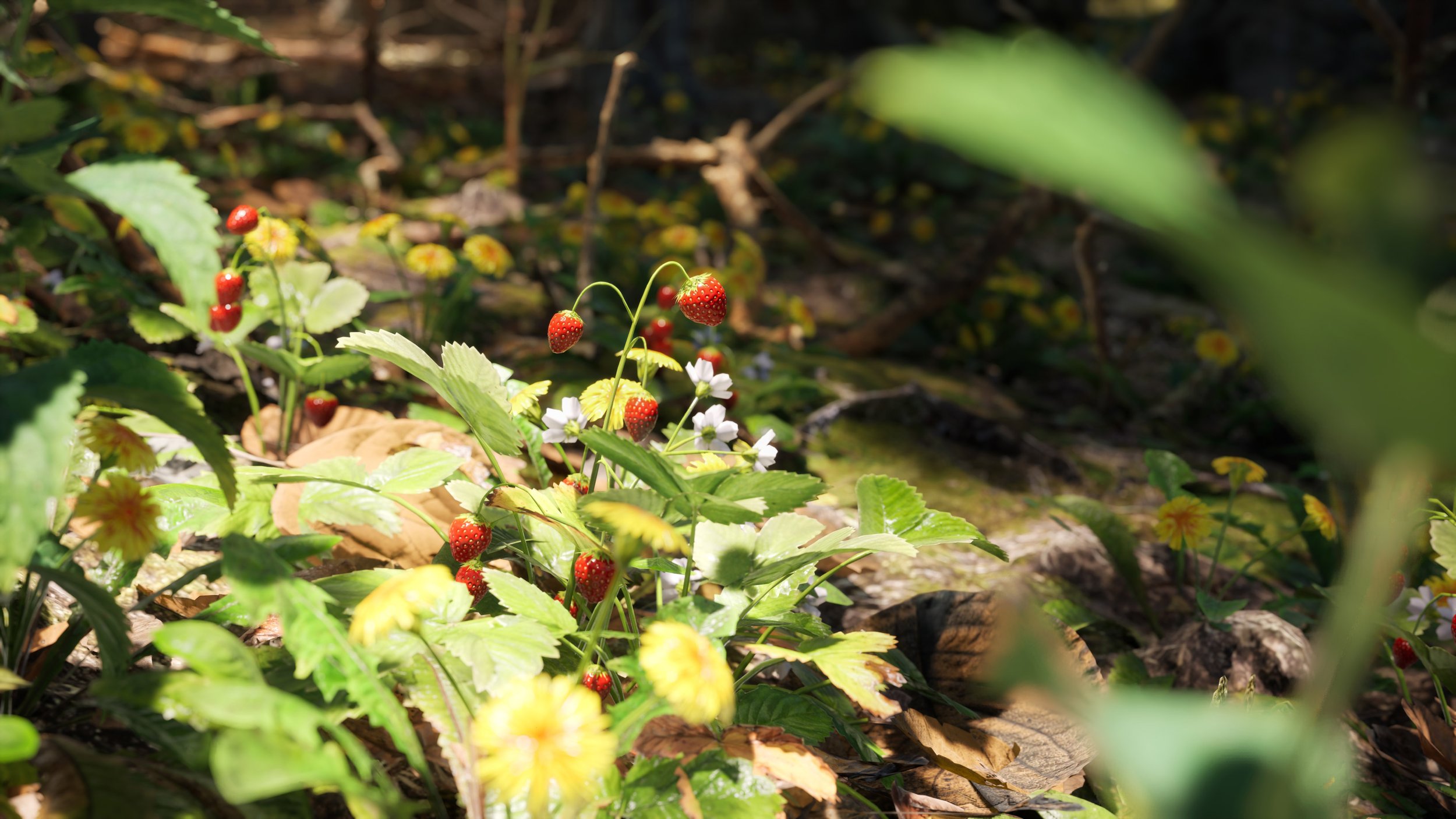
Create a land biome, shape its boundary, spawn it, and control how it interacts with other biomes.
Prepare the level
Create a standard level with a Landscape Actor. Add BP_FoliageManager to the level.
You do not need to use the EasyBiomes landscape material. EasyBiomes assets can work independently of it.
Distant Mountains are available from EzBiomes on FAB ↗.
Place and shape the biome
Place Content → EasyBiomes → PCG → BP_Biome_(Biome Name) in the level.
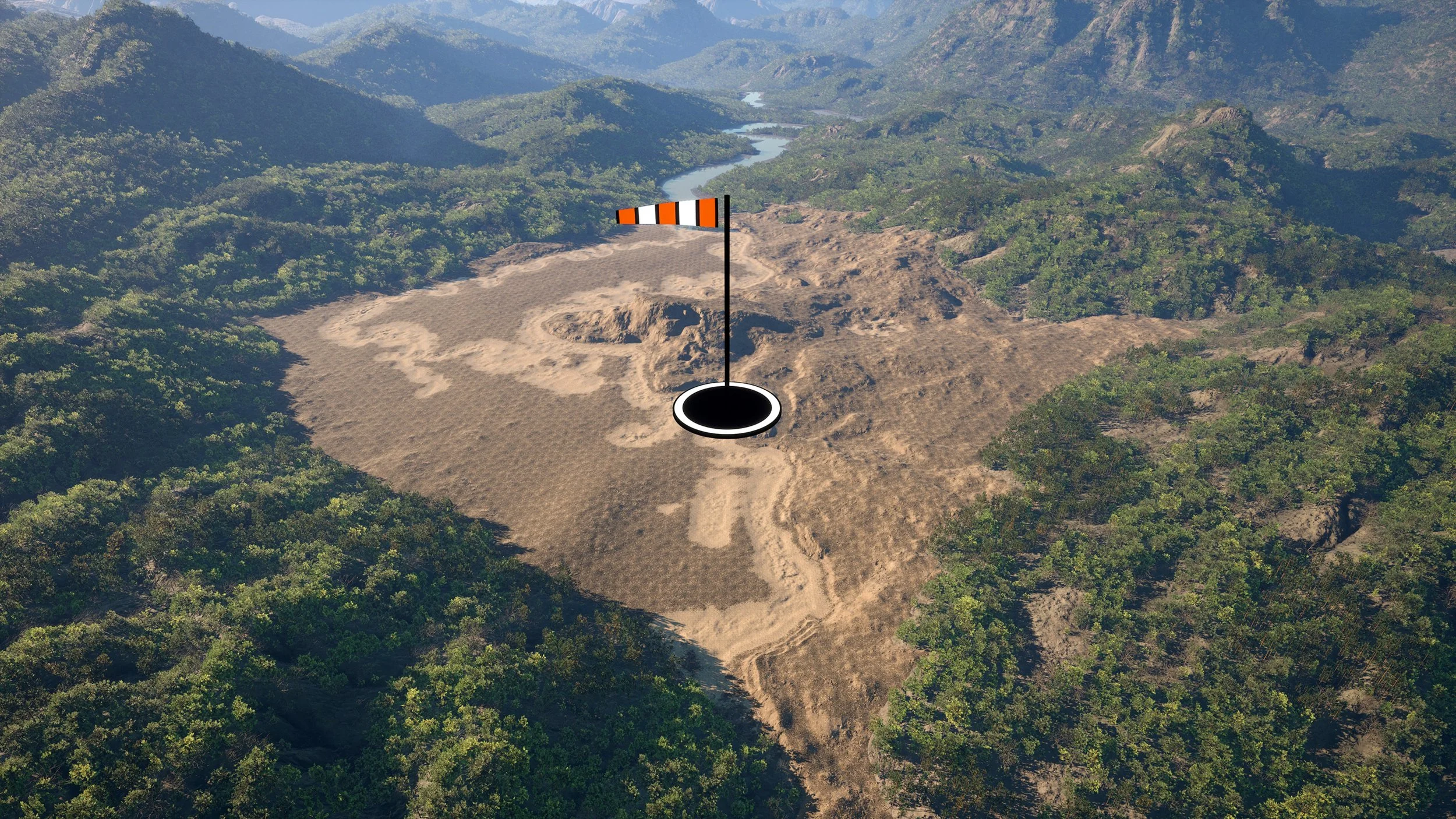
The actor contains a spline that defines the biome boundary. Move the spline points individually to change its shape. Do not scale or rotate the spline component.
To remove a spline point, select it and press Delete. To add a point, select an existing point, hold Shift, and drag.
Enable Fill Landscape if you want the biome to ignore the spline and cover the entire Landscape.
Spawn the biome
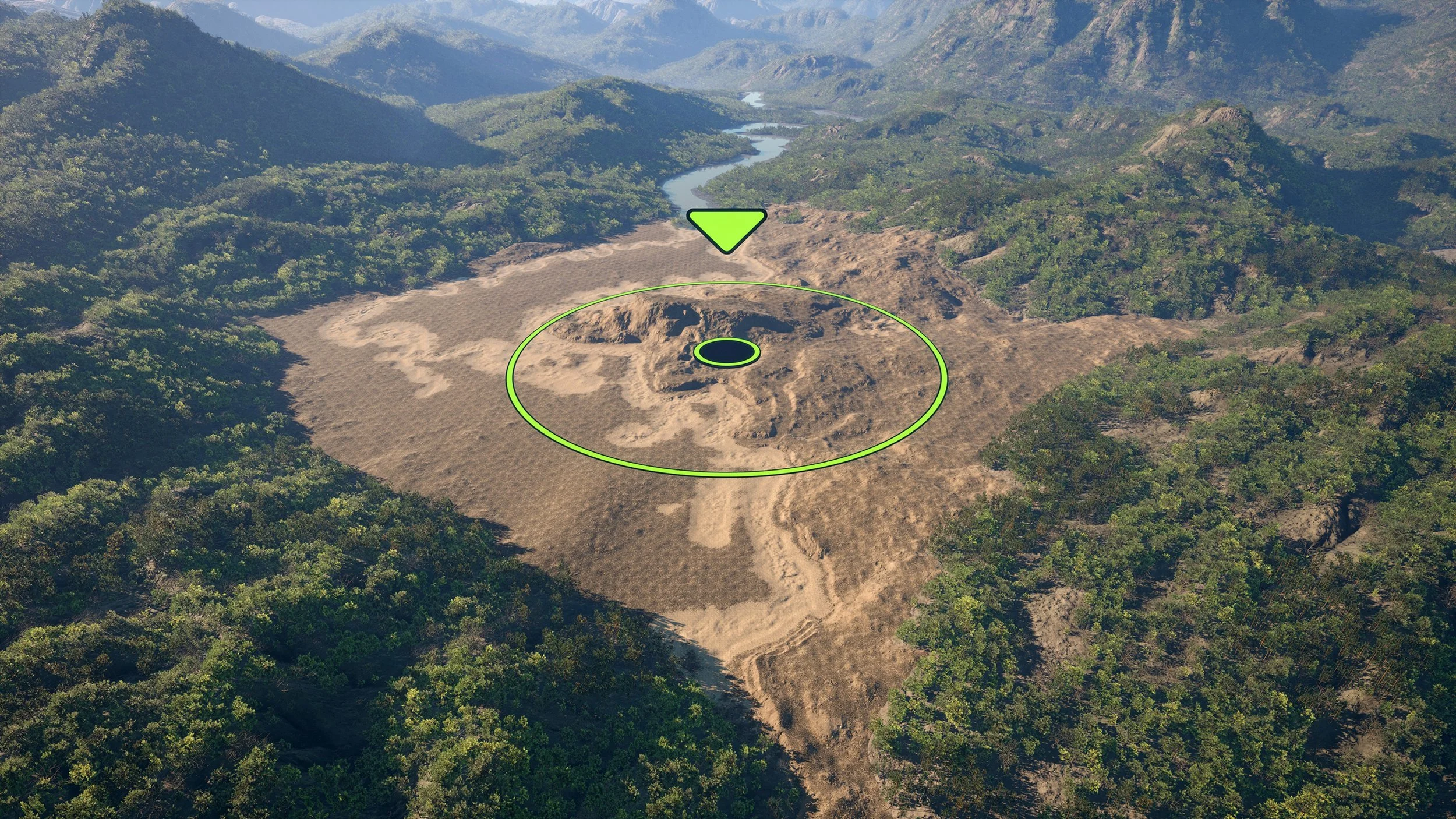
When the boundary is ready, select BP_Biome_(Biome Name) and press Spawn.
Whenever you change generation settings, press Spawn again to apply the changes.
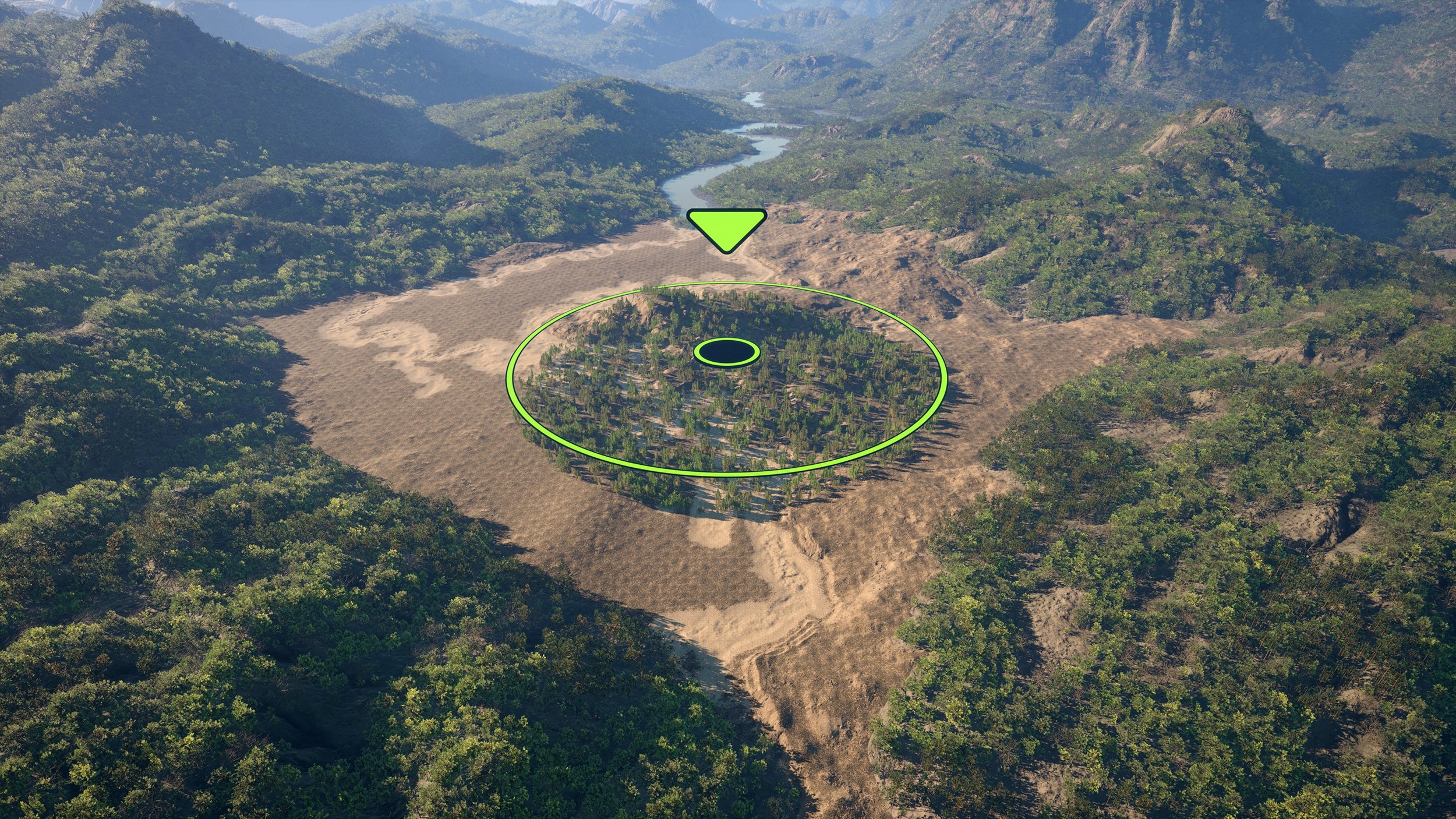
Use multiple biomes
You can place multiple biomes in the same level. EasyBiomes resolves their intersections automatically.
If two spline biomes overlap, give them different priorities. In the normal case, leave one at Normal Priority and set the other to Top Priority.
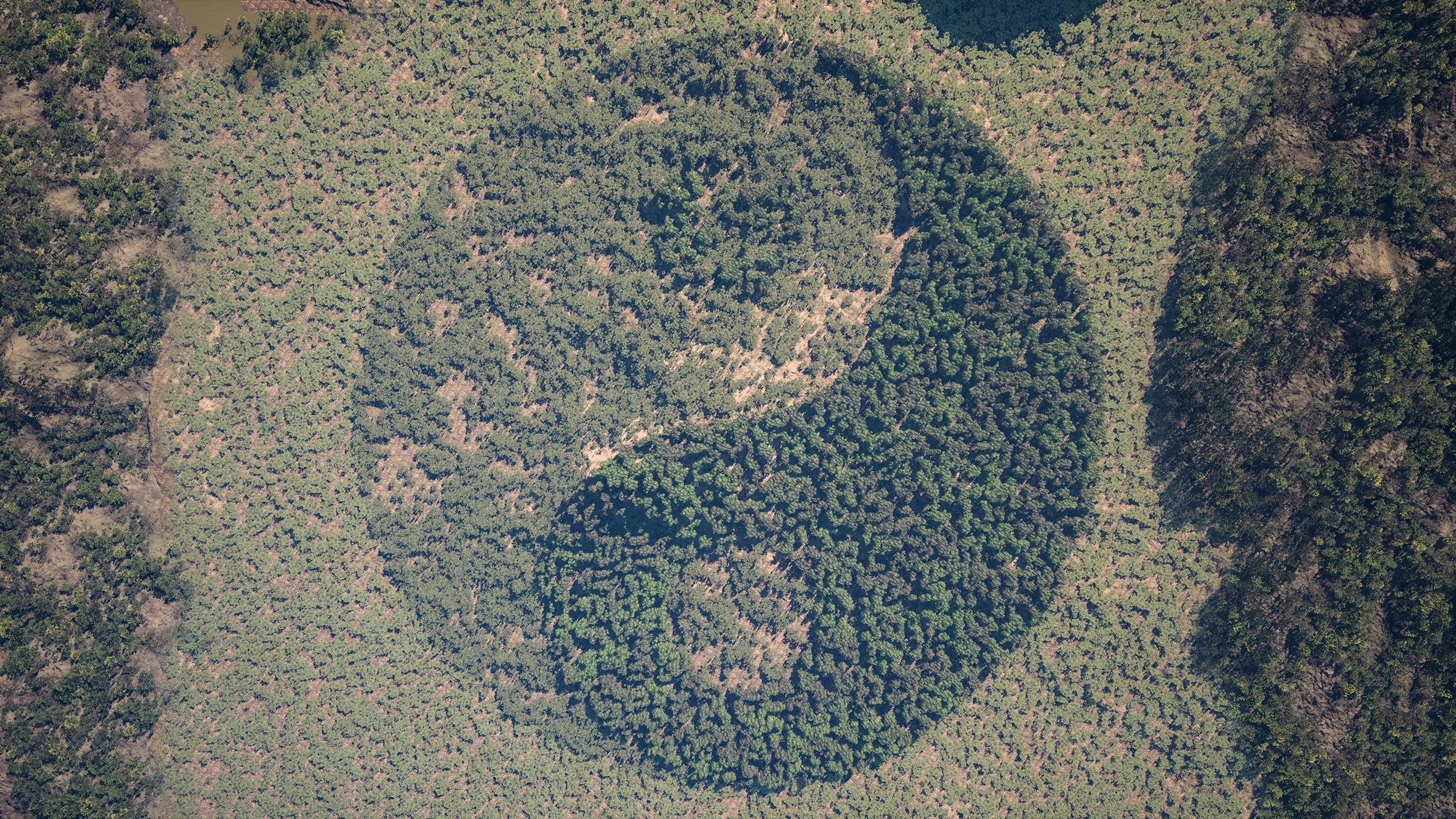
Exclude foliage from a local area
Use Biome Remover when you need to remove foliage from a specific area without changing the whole biome.
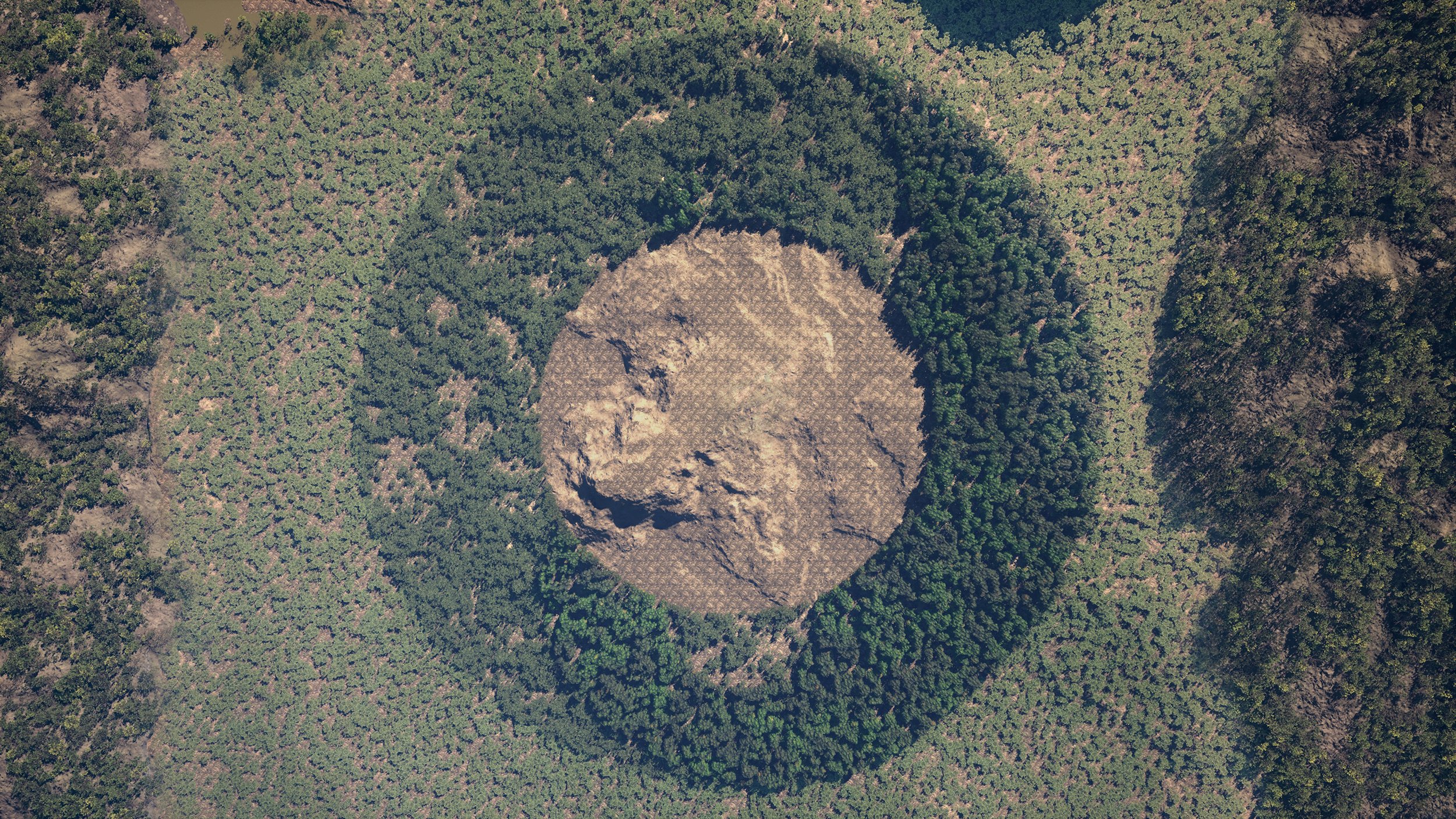
How To: Water
Water uses the same BP_Biome workflow. The main difference is that the actor's height sets the water level.
Prepare the level
Create a level with a Landscape Actor, then add BP_FoliageManager. The EasyBiomes landscape material is not required.
Place the biome and set the water level
Place EasyBiomes → PCG → BP_Biome_(Biome Name) in the level. Move the actor up or down to set the water level. The preview water plane shows the current height.
The actor's spline still defines the biome boundary. You can also enable Fill Landscape to ignore the spline and cover the whole Landscape.
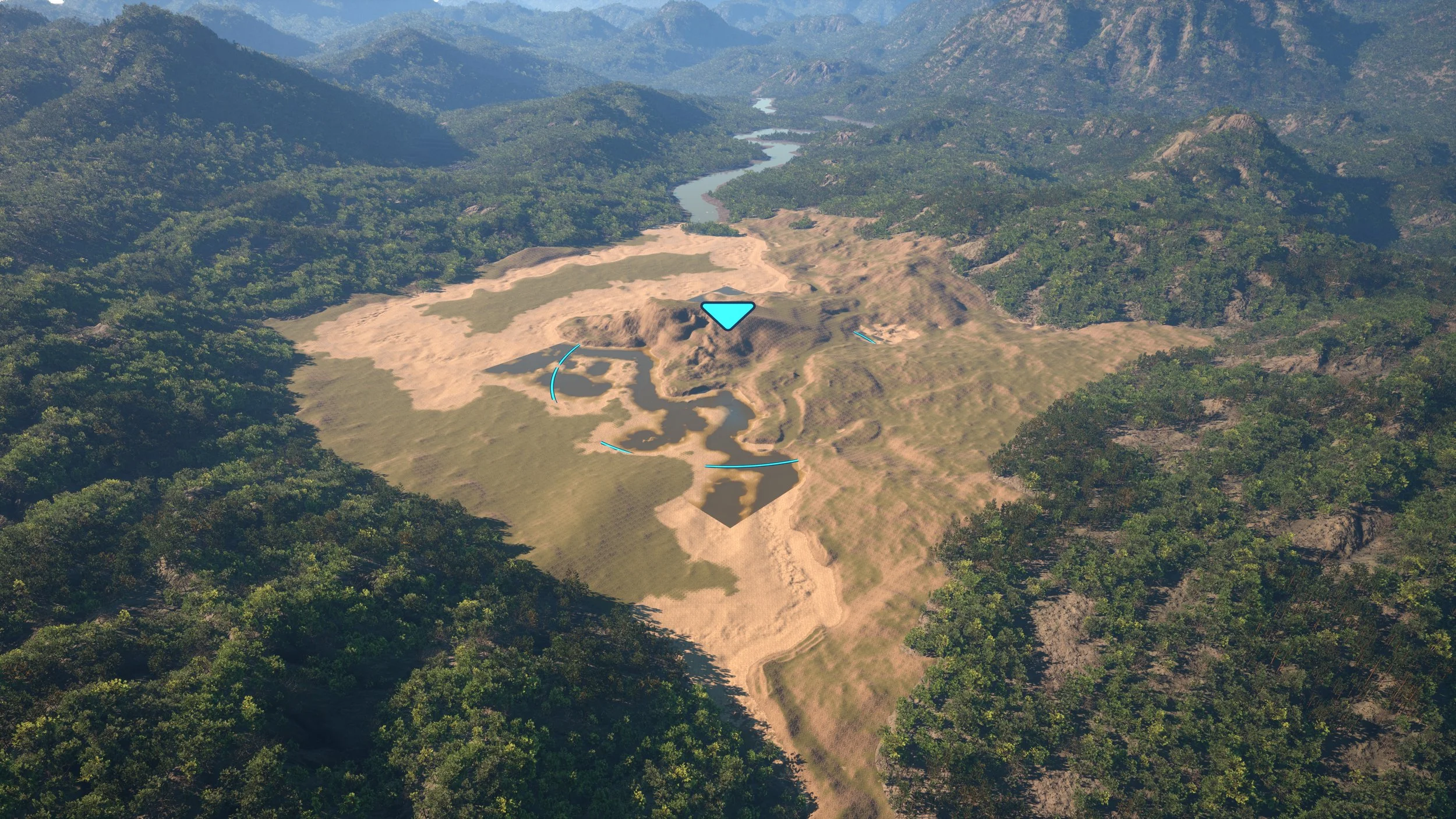
Use Fill Landscape when needed
With Fill Landscape enabled, the biome ignores its spline and covers the full Landscape. The preview water surface expands to the Landscape bounds.
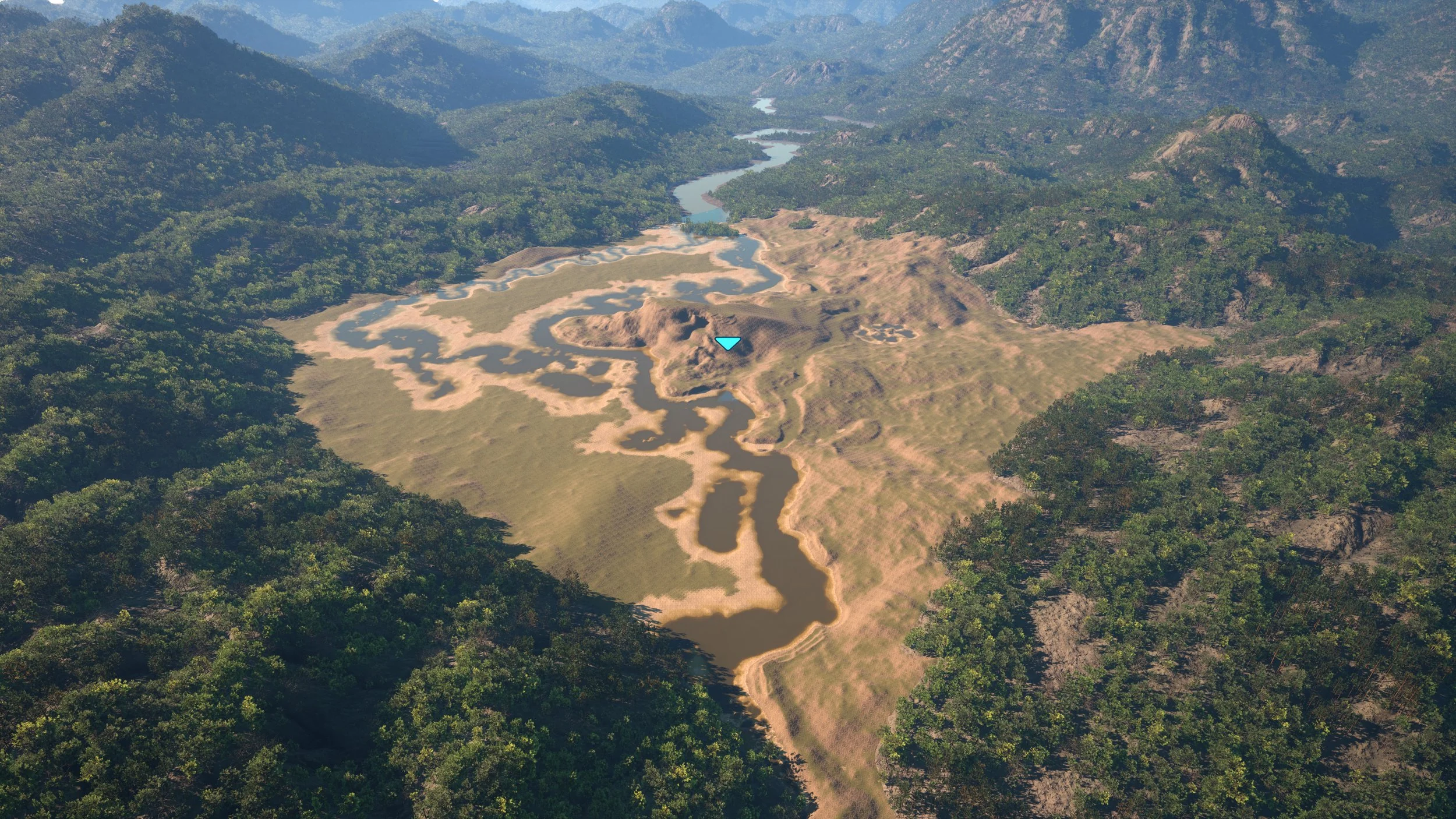
Spawn the water biome
When the boundary and water level are correct, select the biome actor and press Spawn.
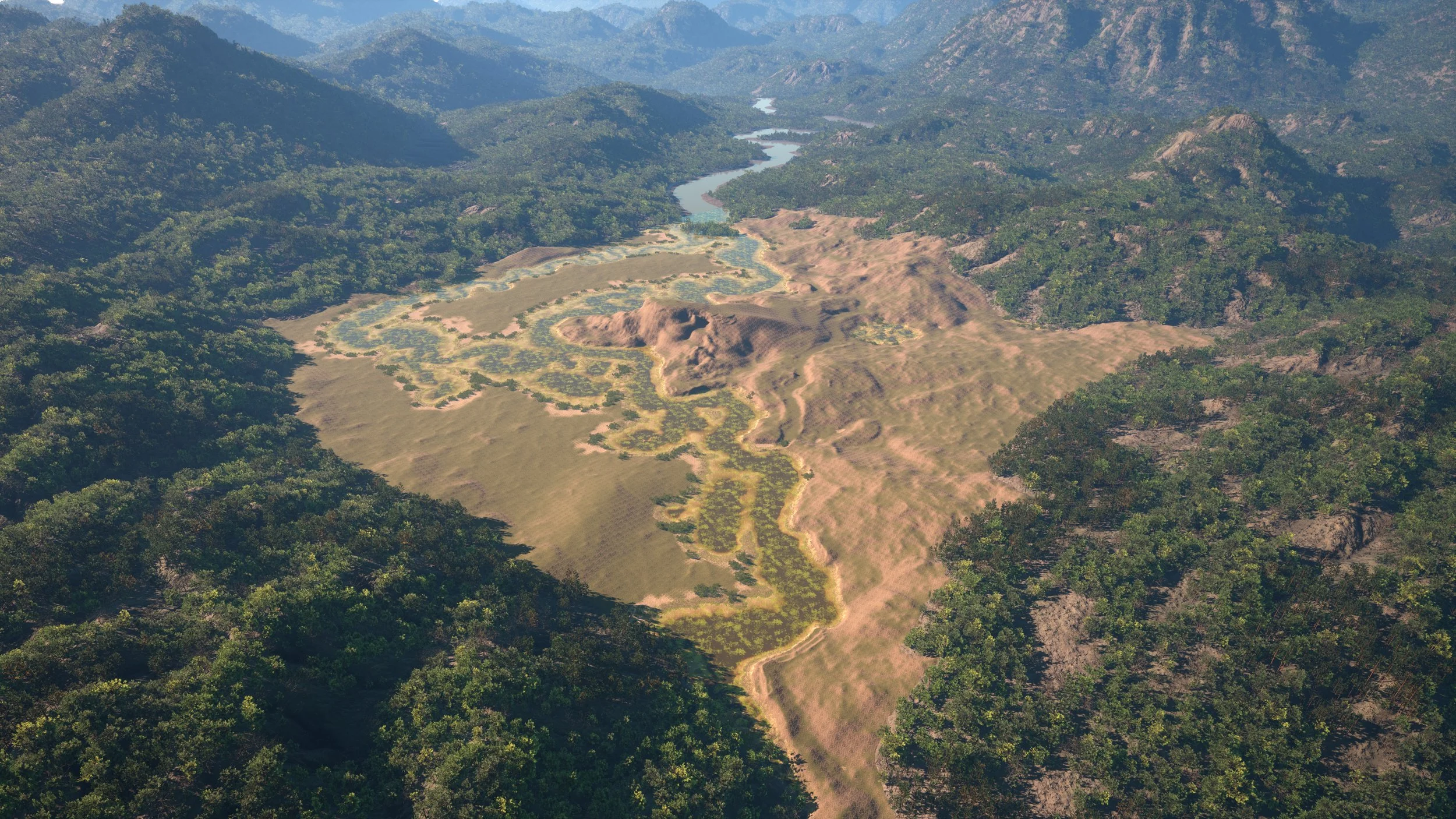
Biome Priorities
Priority controls what happens when biome areas overlap. The rules below describe which biome takes precedence.
Water Biome — always highest priority
The Water Biome overrides roads, farmlands, forest strips, spline-bounded biomes, and Fill Landscape biomes.
The current documentation notes an exception when the Water Biome is spawned after other biomes or sub-biomes.
Fill Landscape — always lowest priority
A Fill Landscape biome stays at the lowest priority regardless of spawn order.
Spline-bounded biomes, roads, Water Biomes, and Normal / Top Priority biomes override it.
A level can contain one Fill Landscape biome plus one Water Fill Landscape biome.
Top Priority vs Normal Priority
Both Normal Priority and Top Priority are above Fill Landscape.
Normal Priority and Top Priority biomes mix where they overlap. Two overlapping biomes should use different priorities.
Roads cut through all biome priority types, including Normal Priority and Top Priority, regardless of spawn order.
Blend Modes
Blend Modes determine whether one biome overrides another or mixes with it when their areas overlap.
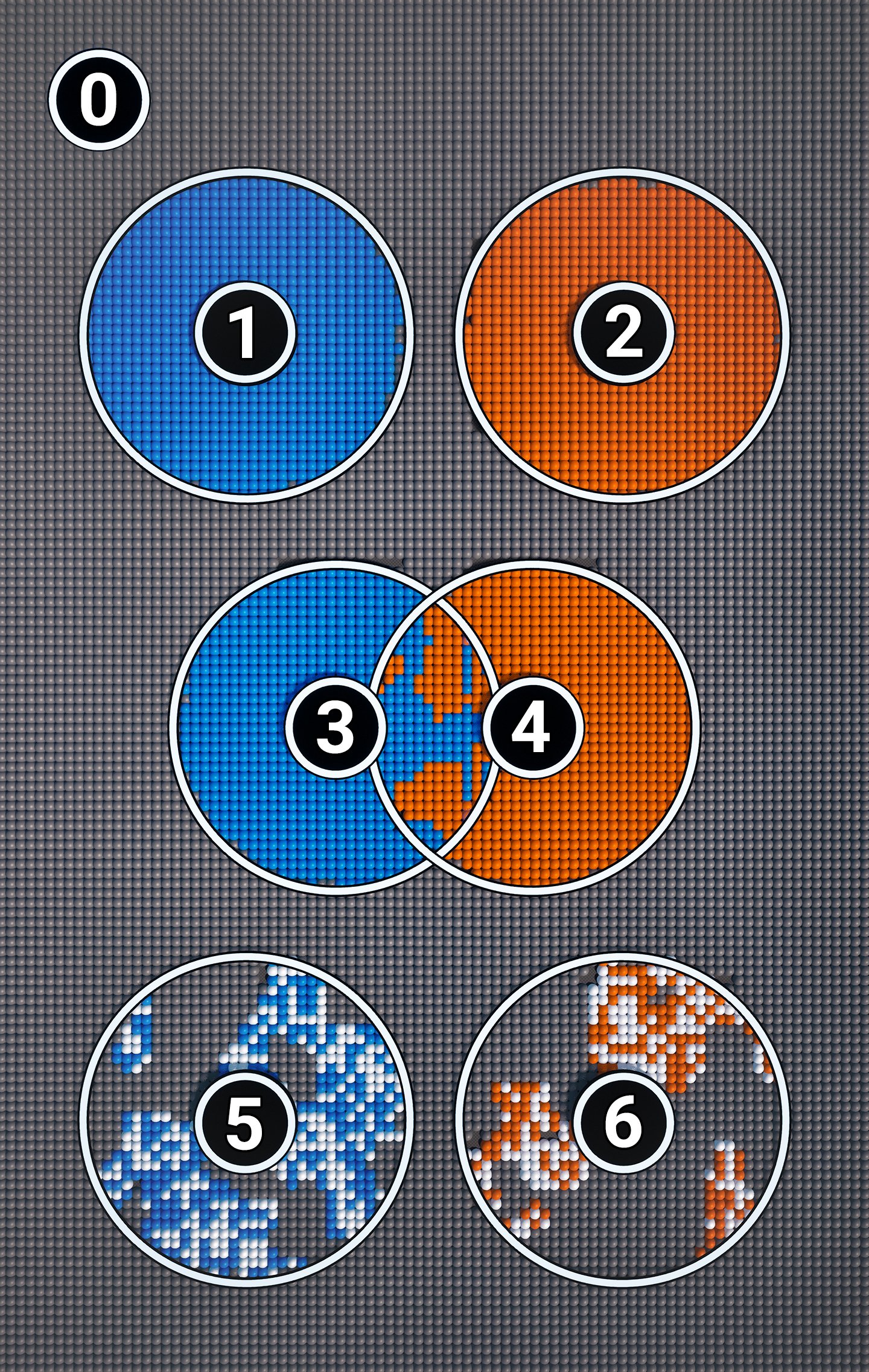
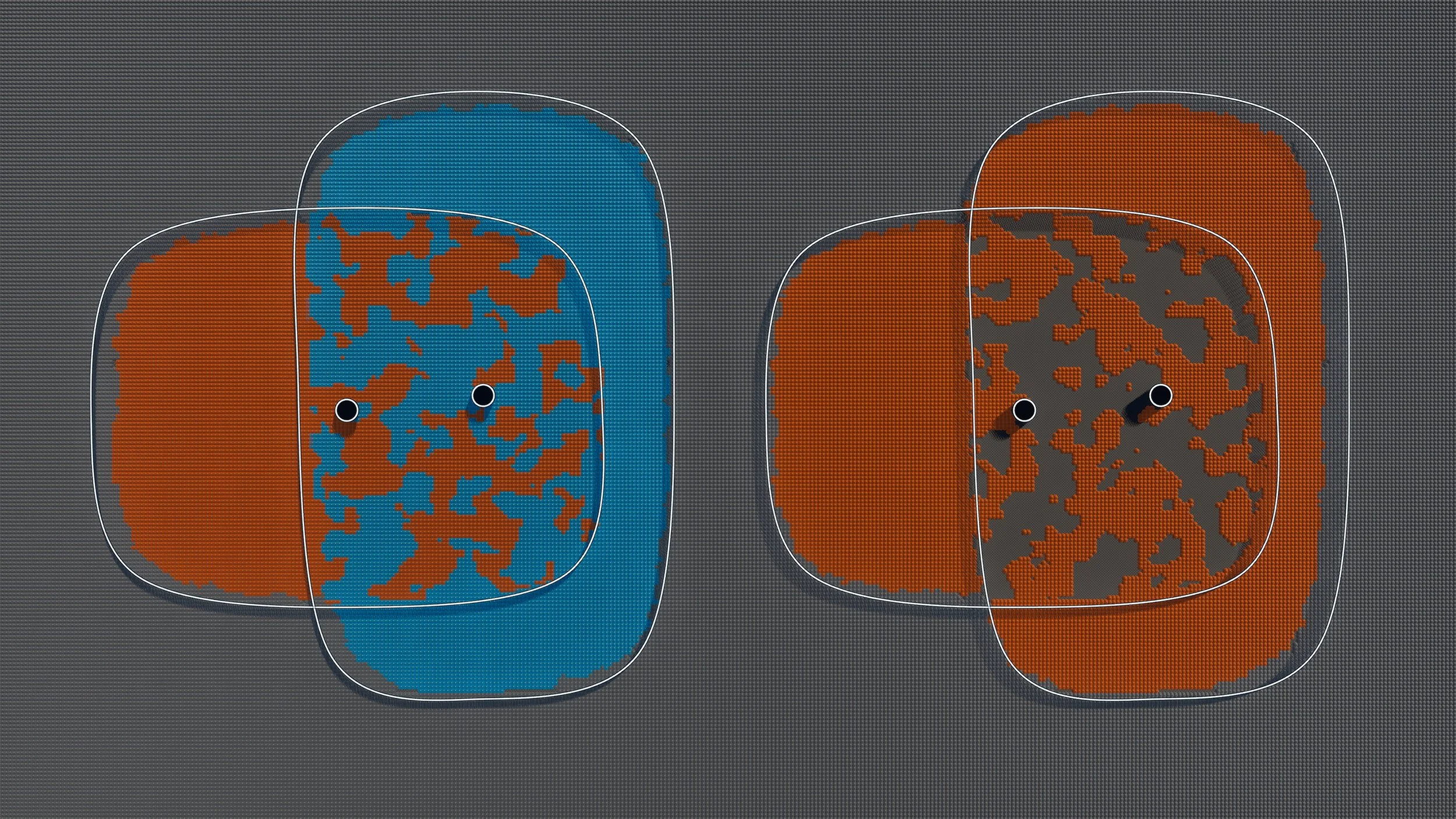
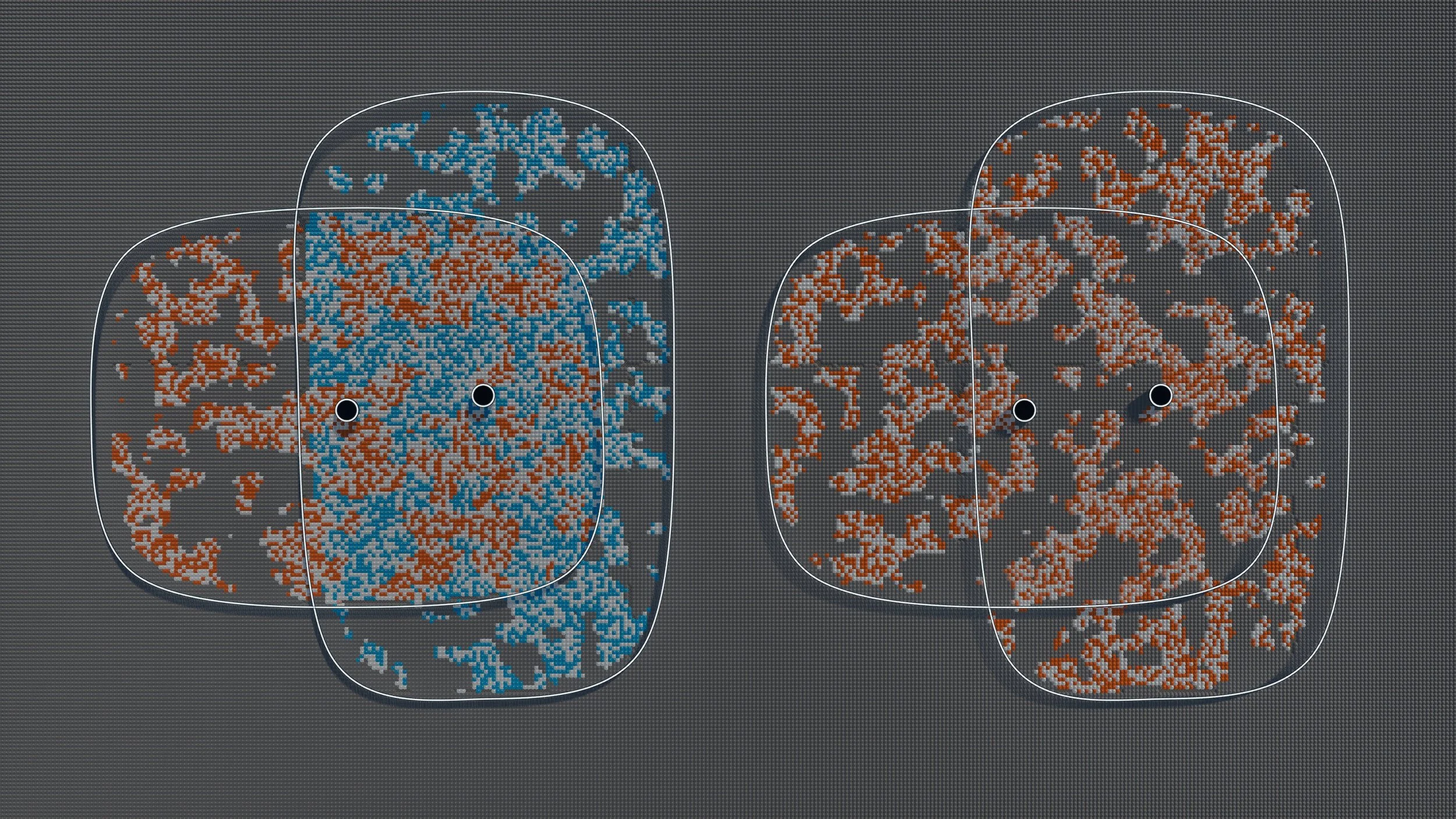 Before
After
Before
After
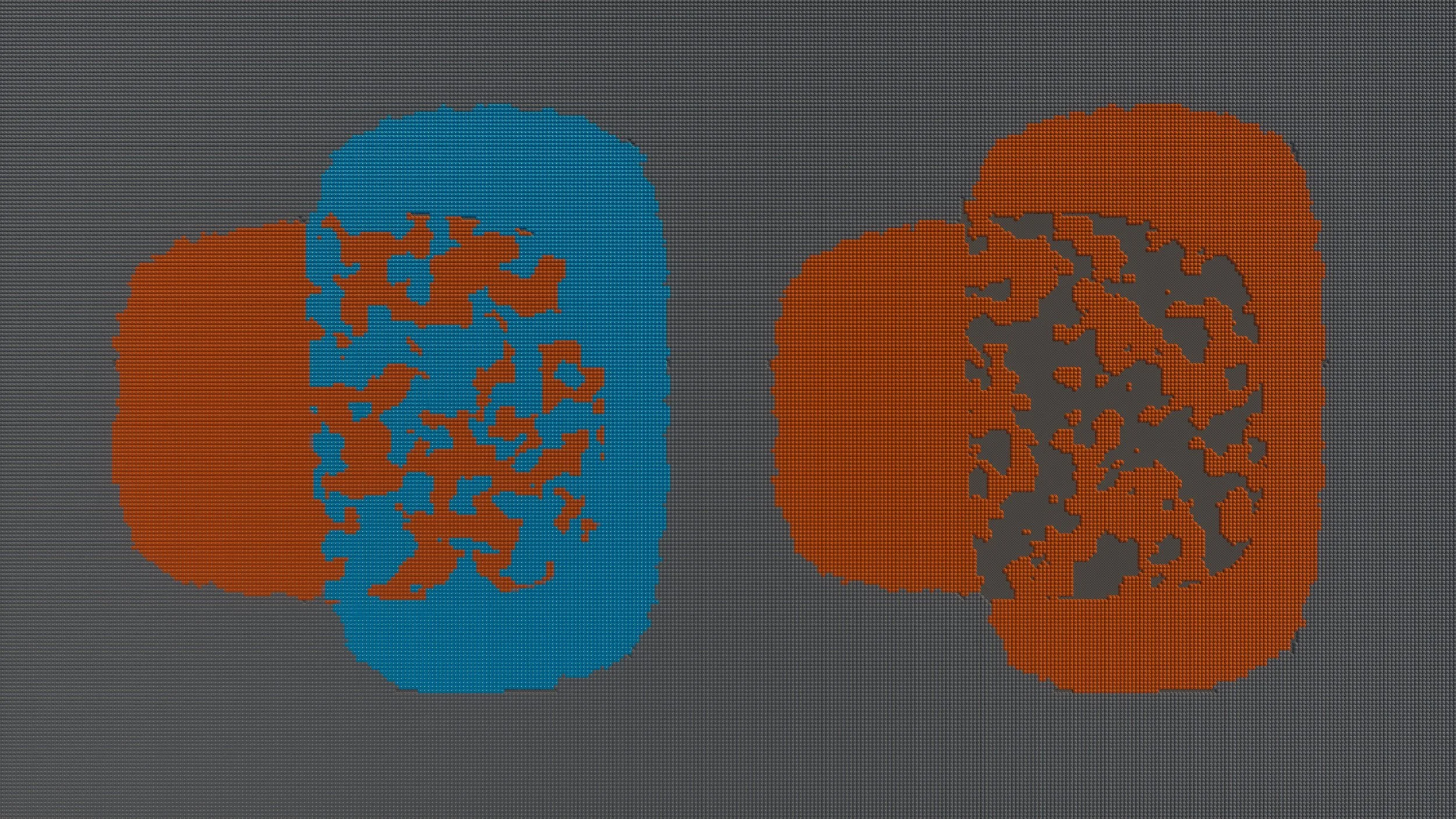
Falloff
Falloff softens the edge of a spline-bounded biome instead of leaving a clean, artificial cut.

 Falloff off
Falloff on
Falloff off
Falloff on
Details Reference
BP_Biome exposes different settings depending on the selected biome or sub-biome. The structure below mirrors the Details panel.
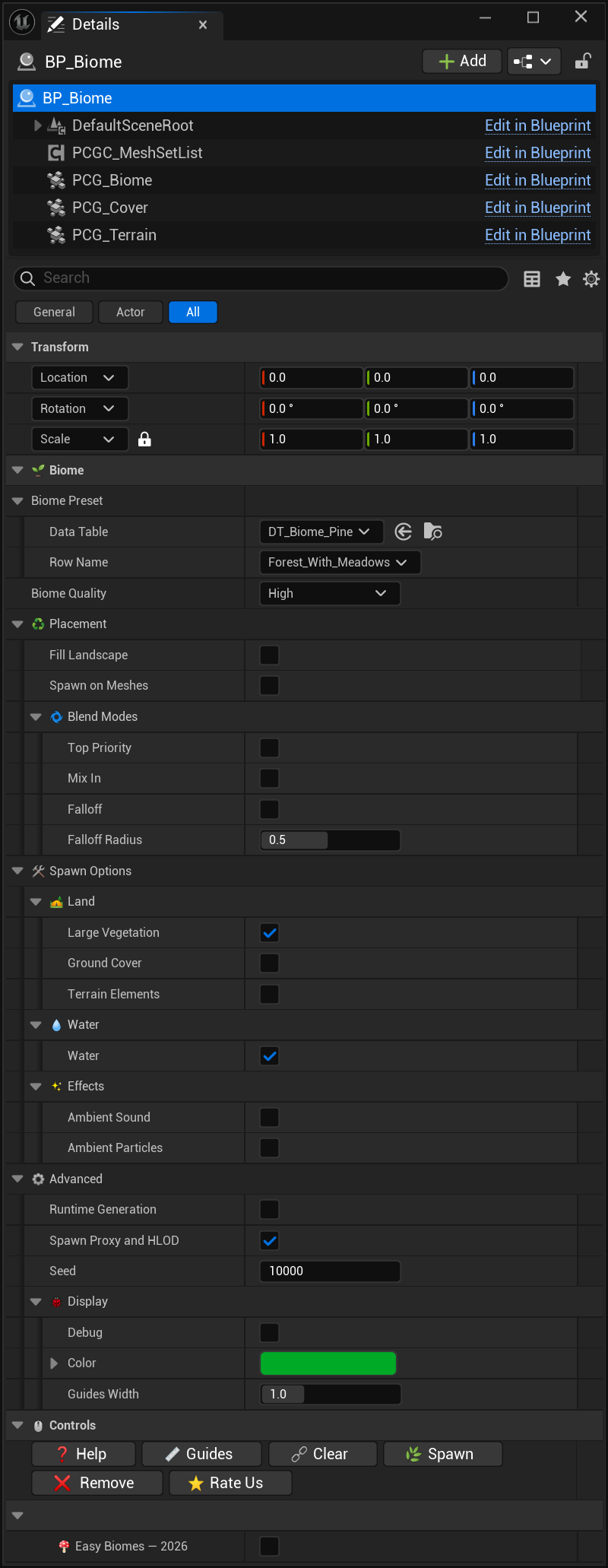
Options are context-specific. Different sub-biomes can show different categories or different expanded sections.
Biome
Biome preset

Advanced


Spline

Spawn Options
Garden
Plants
Forest
Road
Controls

About