
Overview

Global foliage controls
Foliage Manager
Control foliage rendering quality, particles, wind, and weather
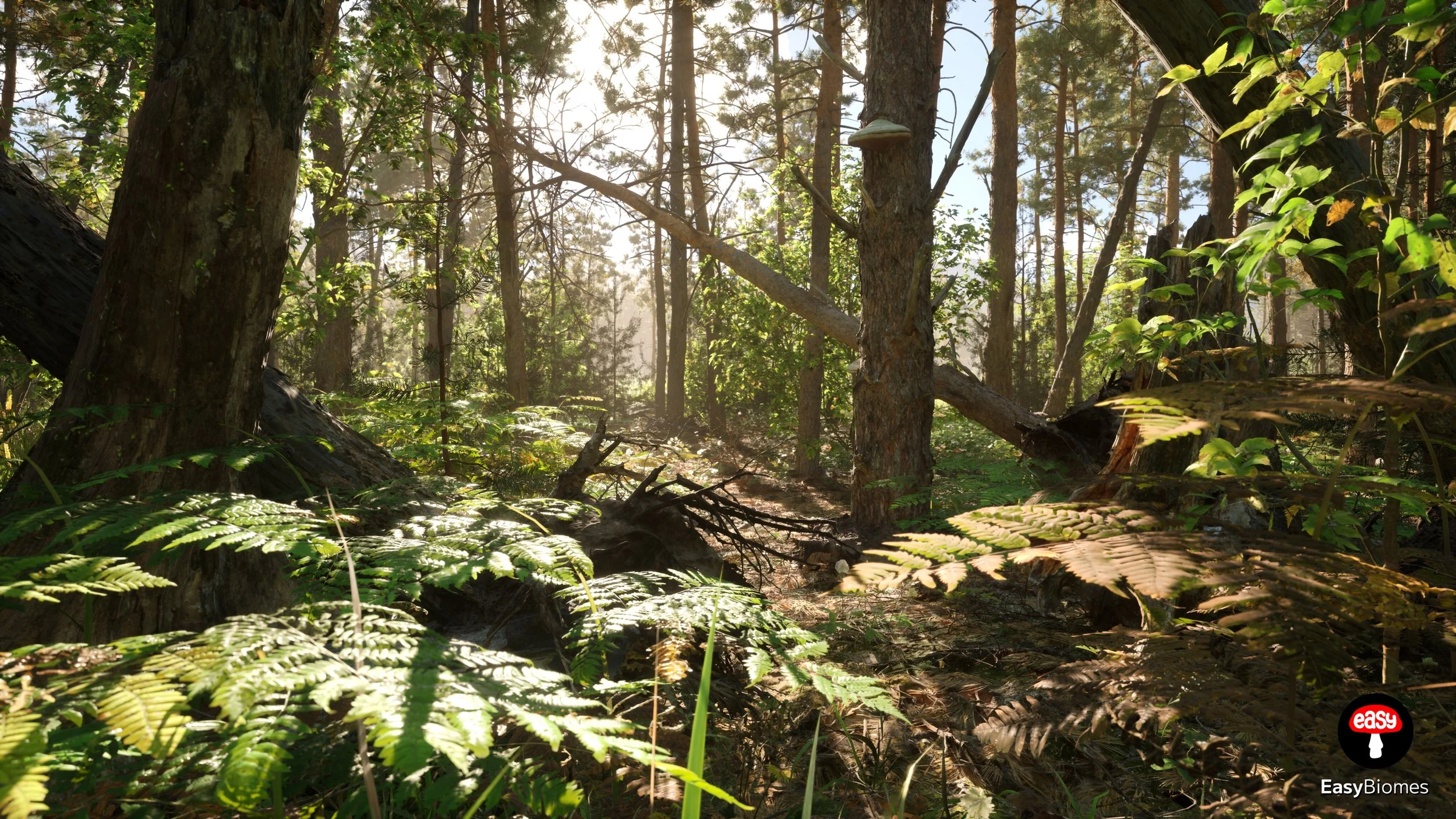
BP_FoliageManager provides scene-wide controls for foliage rendering and environmental effects. Use it to set foliage quality and particle density, define global wind behavior through strength and direction controls, and adjust supported weather effects such as rain and night mode.
Foliage Quality
Particles
Global Wind
Weather
Actor reference
Details Reference
The Foliage Manager groups its controls into Render, Controls, Wind, and Weather.
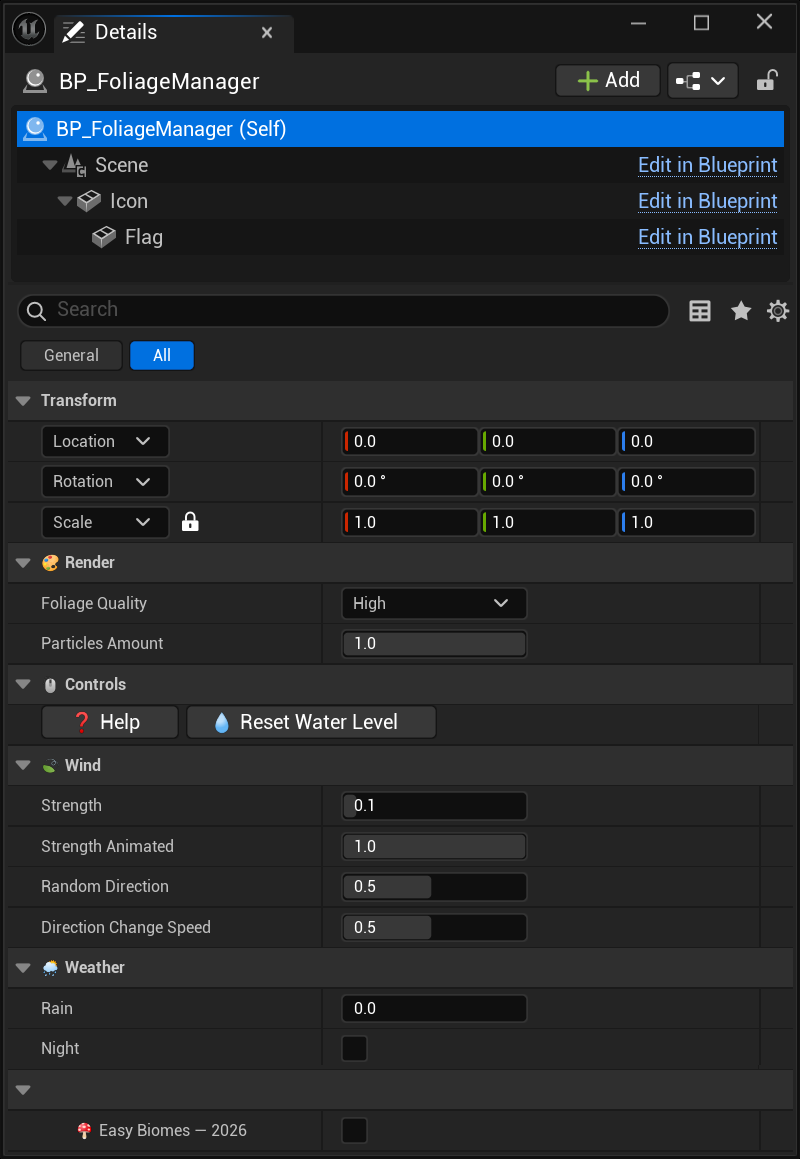
Render
Foliage Quality

Controls the overall foliage rendering quality.
Particles Amount

Sets the density of foliage-related particle effects. This setting affects performance.
Controls
Help

Opens the Foliage Manager documentation.
ResetWaterLevel
Resets water-level adjustments to their default state.
Wind
Strength
Sets the base wind intensity that affects foliage.
Strength Animated
Controls the animated variation in wind strength over time.
Random Direction
Adds randomness to changes in wind direction.
Direction Change Speed
Controls how quickly the wind direction changes over time.
Weather
Rain
Controls the intensity of the rain effect.
Night

Toggles the supported night-mode visual changes.