

Step inside the world.
Judge it at player scale.
Try the EasyBiomes UE5 PCG demo in motion instead of evaluating procedural environment tools from thumbnails alone. Walk through Poplar Forest and River in Unreal Engine 5.6, switch viewpoints, test wind states, and see how the environments hold up in real time.
Know what your GPU should expect.
ULTRA · no frame generation · UE 5.6
ULTRA · no frame generation · UE 5.6
ULTRA · no frame generation · UE 5.6
Built to be tested.
Not watched.
The playable UE5 PCG demo keeps the useful controls exposed. Move through the procedural environments at your own pace, compare viewpoints and lighting, and change wind conditions instead of relying on a curated trailer.
Two environments
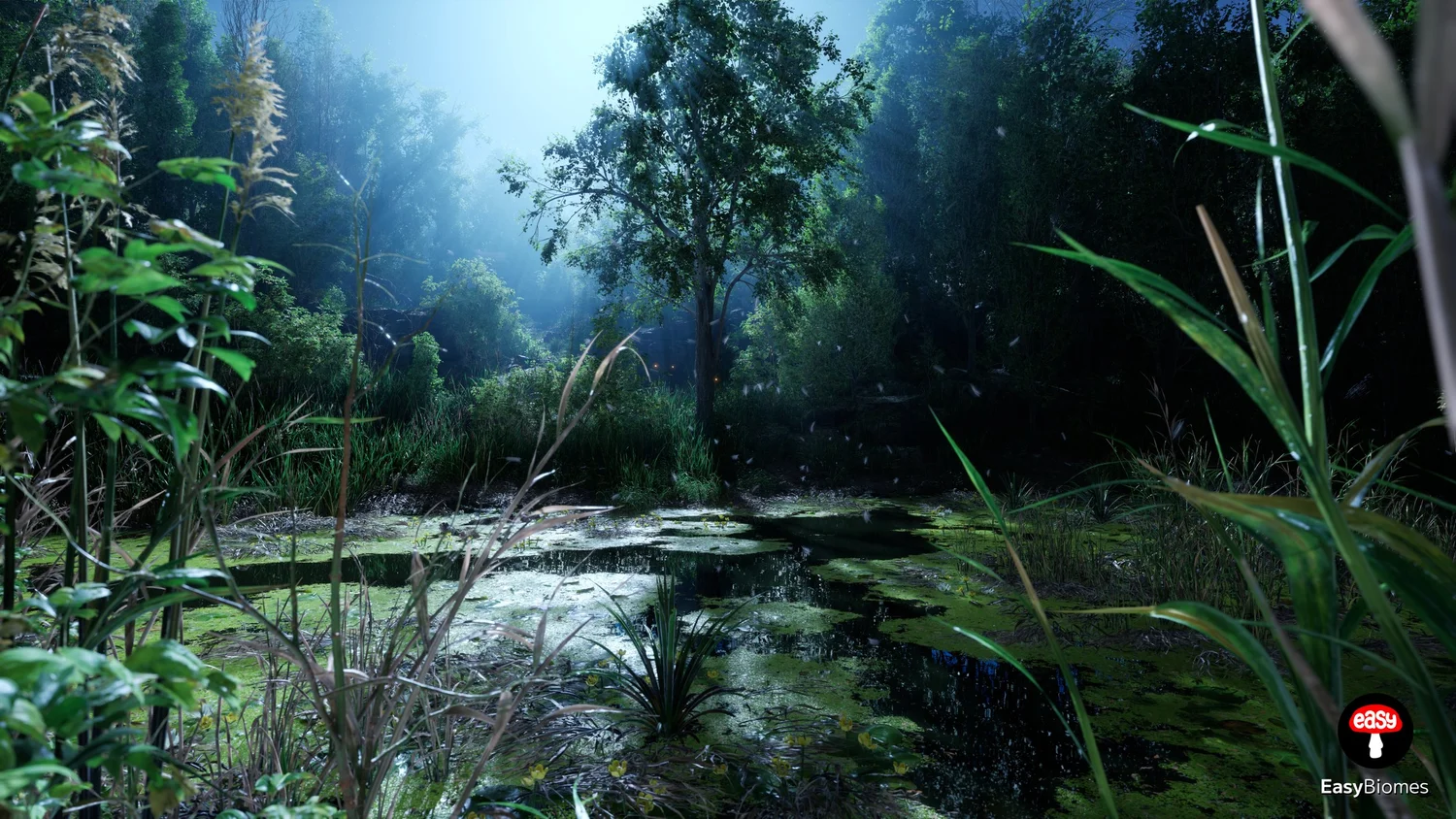
Switch between the Poplar Forest and River PCG biomes and inspect both at player scale.
First / third person
Change perspective to judge both close detail and wider environmental composition.
Wind states
Change the wind and watch vegetation respond across multiple foliage layers.
Day / night
Change lighting conditions and see how the biome reads beyond a single beauty shot.


Simple controls.
Useful tests.
The demo is deliberately uncomplicated. The controls you need for comparing lighting, movement and viewpoints stay visible without turning the page into a manual.
| Action | Key |
|---|---|
| Switch day / night | G |
| Zoom | RMB |
| Move to spawn | R |
| Flashlight | F |
Try it.
Then decide.
Download the EasyBiomes UE5 PCG demo, walk through the procedural forest and river environments, and decide whether EasyBiomes belongs in your workflow from firsthand experience.