Overview
Foliage Interaction
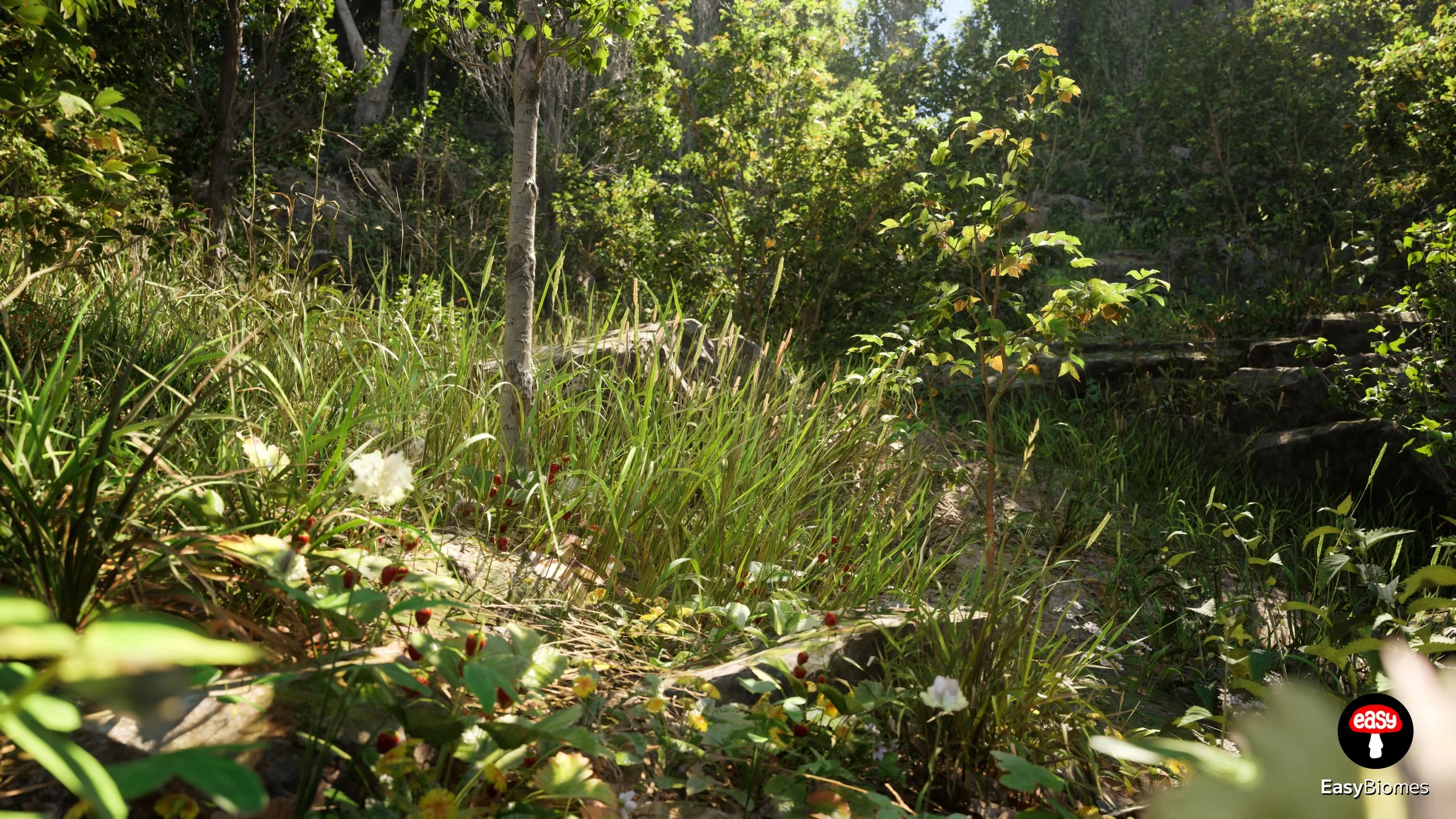
Make foliage react to a moving character or actor
BP_FoliageInteraction is an Actor Component that enables a character—or any moving Actor—to physically interact with foliage. Add the component to your Character Blueprint to make nearby foliage respond to movement and proximity.
Info
The component is located in the EasyBiomes Blueprints folder and uses custom trace channels for interaction sounds.
DefaultEngine.ini when possible. If you cannot replace your existing file, copy at least the custom trace-channel configuration from the EasyBiomes project into your own project settings.How To
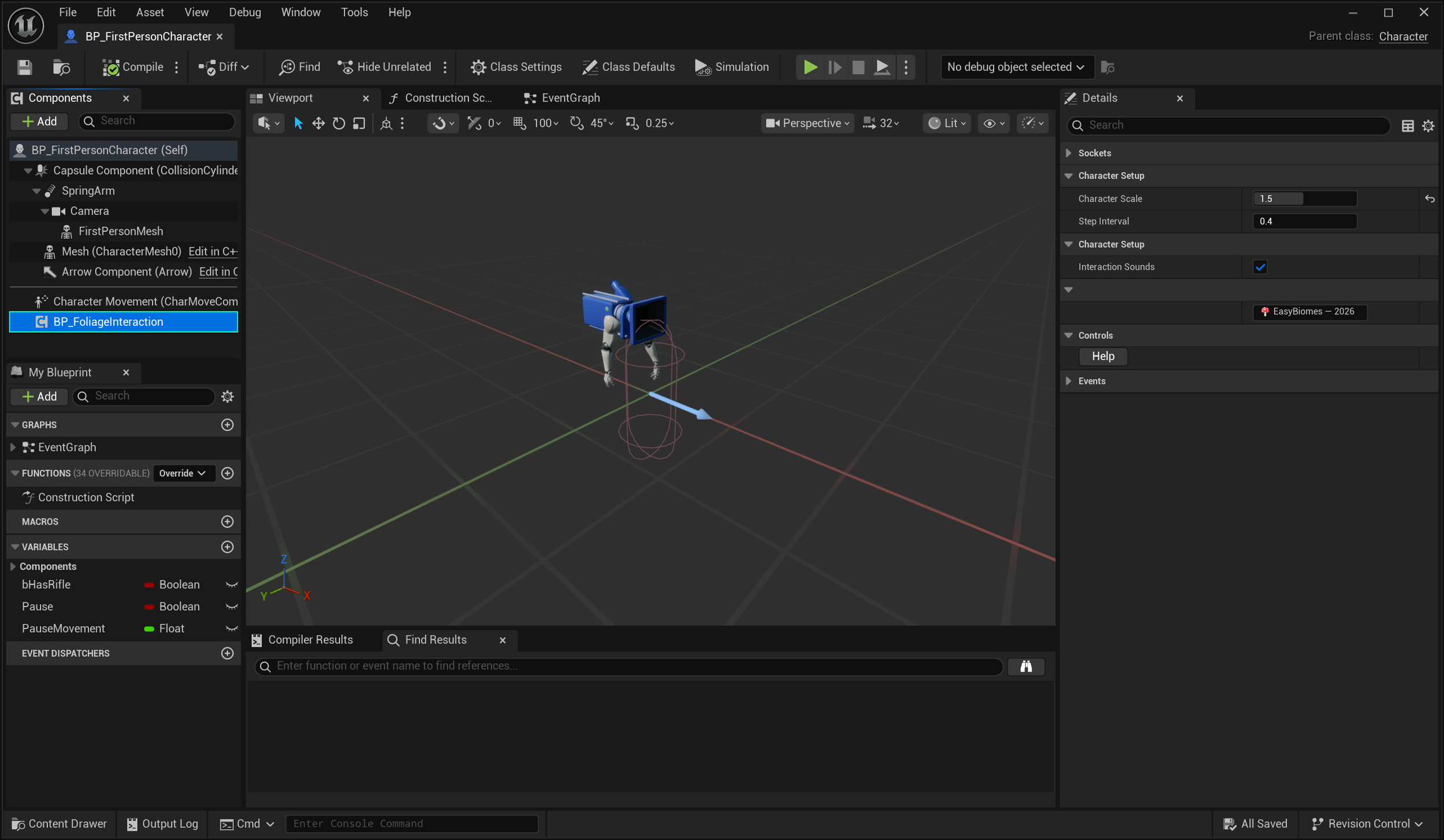
Add BP_FoliageInteraction to the Character Blueprint as a component. No additional setup is required for basic foliage interaction.
Open your Character Blueprint
Open the Blueprint used by the character or moving Actor that should interact with foliage.
Find BP_FoliageInteraction
Navigate to the EasyBiomes → Blueprints folder.
Add the component
Drag BP_FoliageInteraction into the Components panel of your Character Blueprint.
Compile and save
Click Compile, then Save. Your character can now interact with supported foliage.
Details Reference
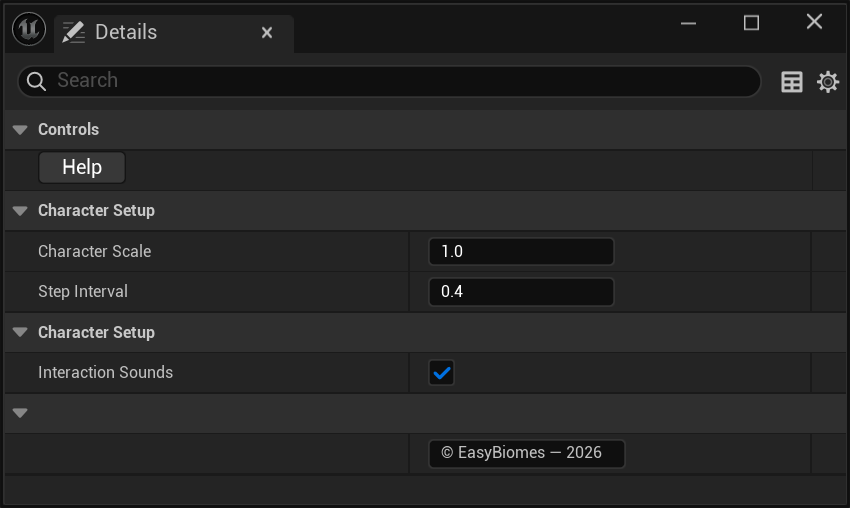
The component exposes a small set of controls for help, character scale, footstep timing, and interaction sounds.
Controls

Character Setup