
Overview
Distant Biome
Spawn forests on distant mountain meshes
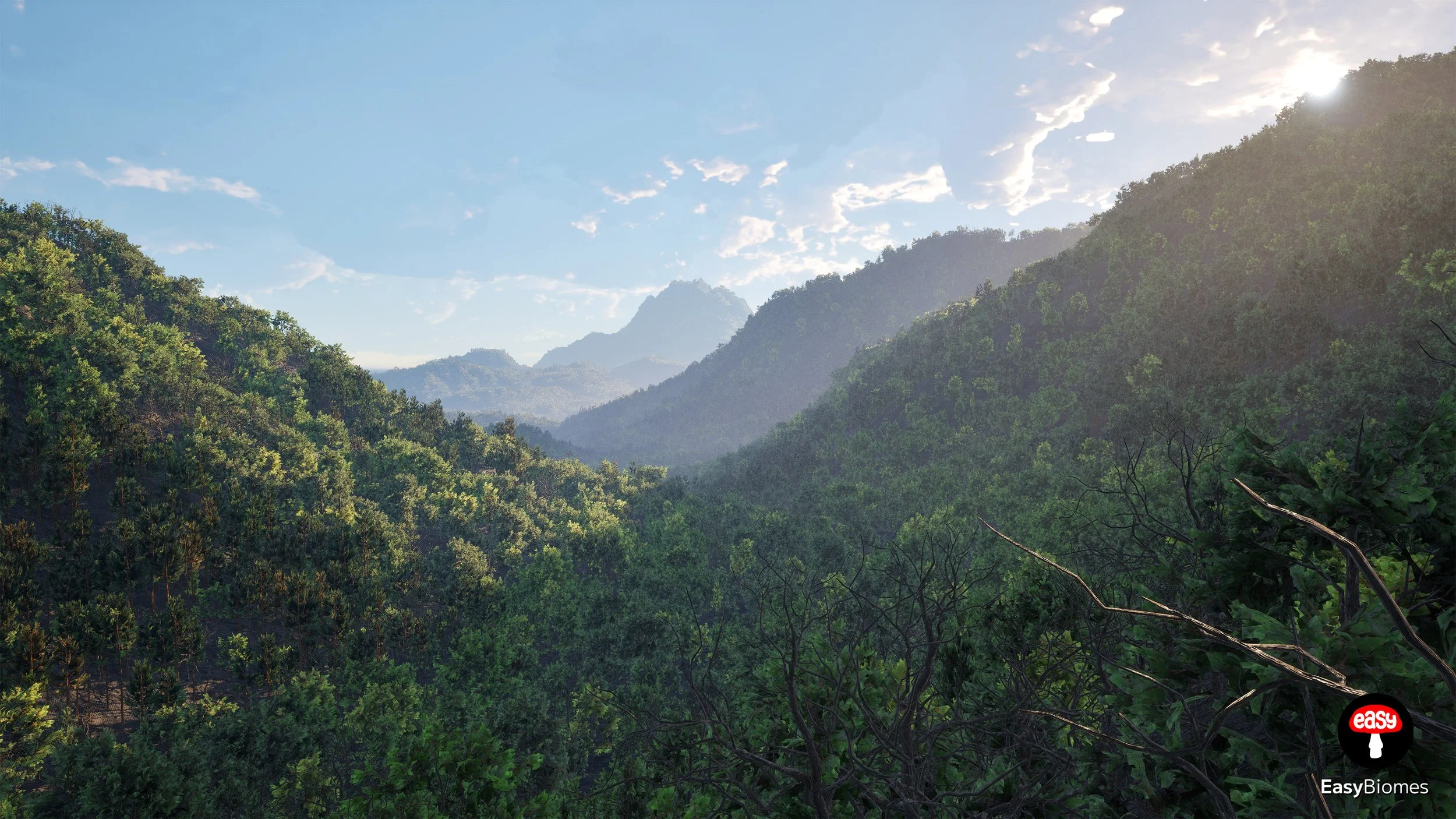
BP_DistantBiome lets you generate forests on top of mountain meshes included with your asset. It includes automatic culling that removes trees from surfaces facing away from the scene center, helping keep the performance cost close to zero.
How To
Place the actor, choose a mountain shape, and spawn. Scaling and rotating the actor does not require manual tree adjustment.
Prepare the level
Create a regular level, preferably with a Landscape Actor.
Place the Distant Biome actor
Place BP_DistantBiome_(YourAssetName) in the level.
Choose a mountain shape
Select the mountain shape that best matches the environment you want to build.
Spawn and position it
Press Spawn to generate the forest. You can scale and rotate the actor; the trees adjust automatically.
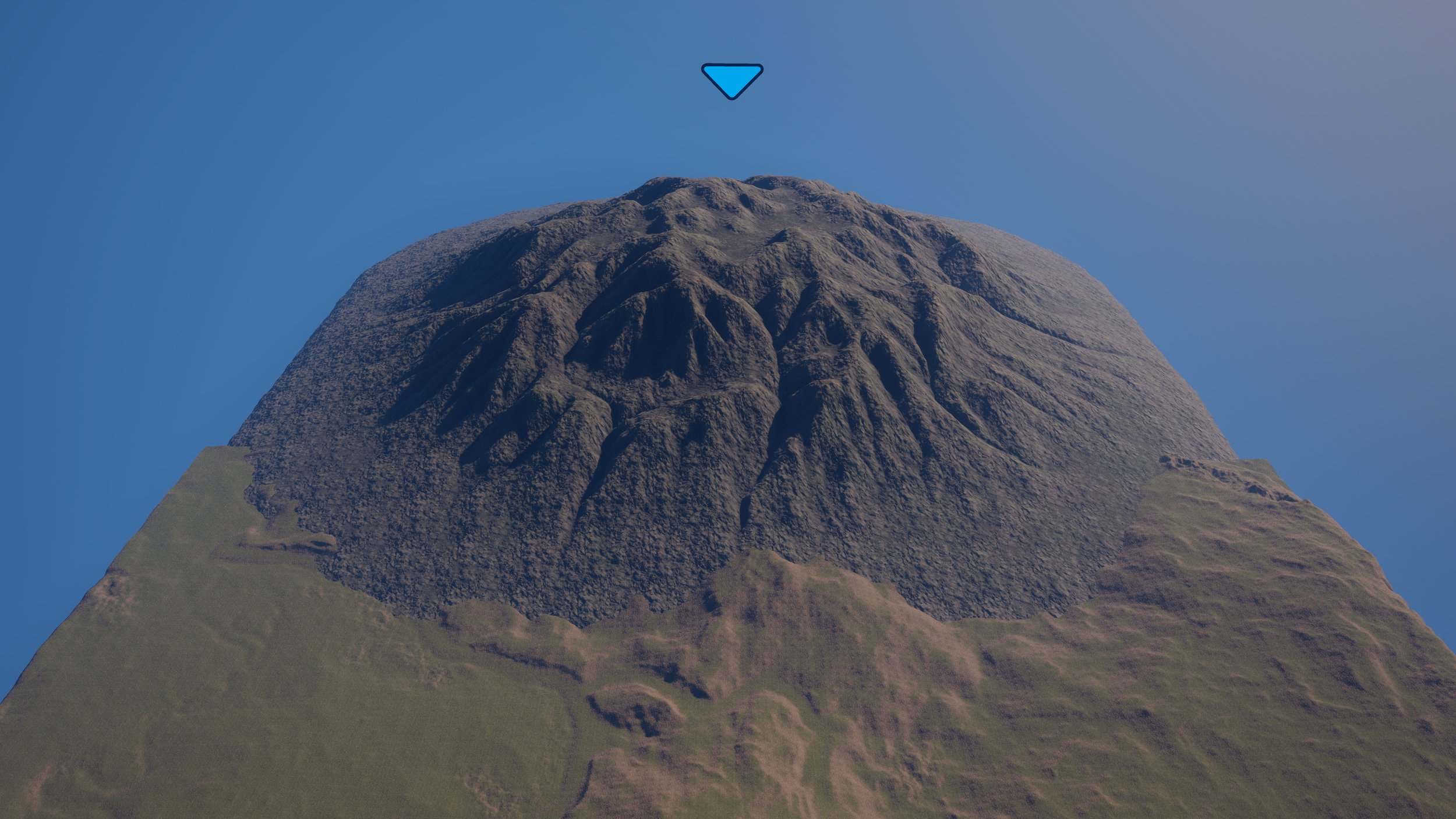
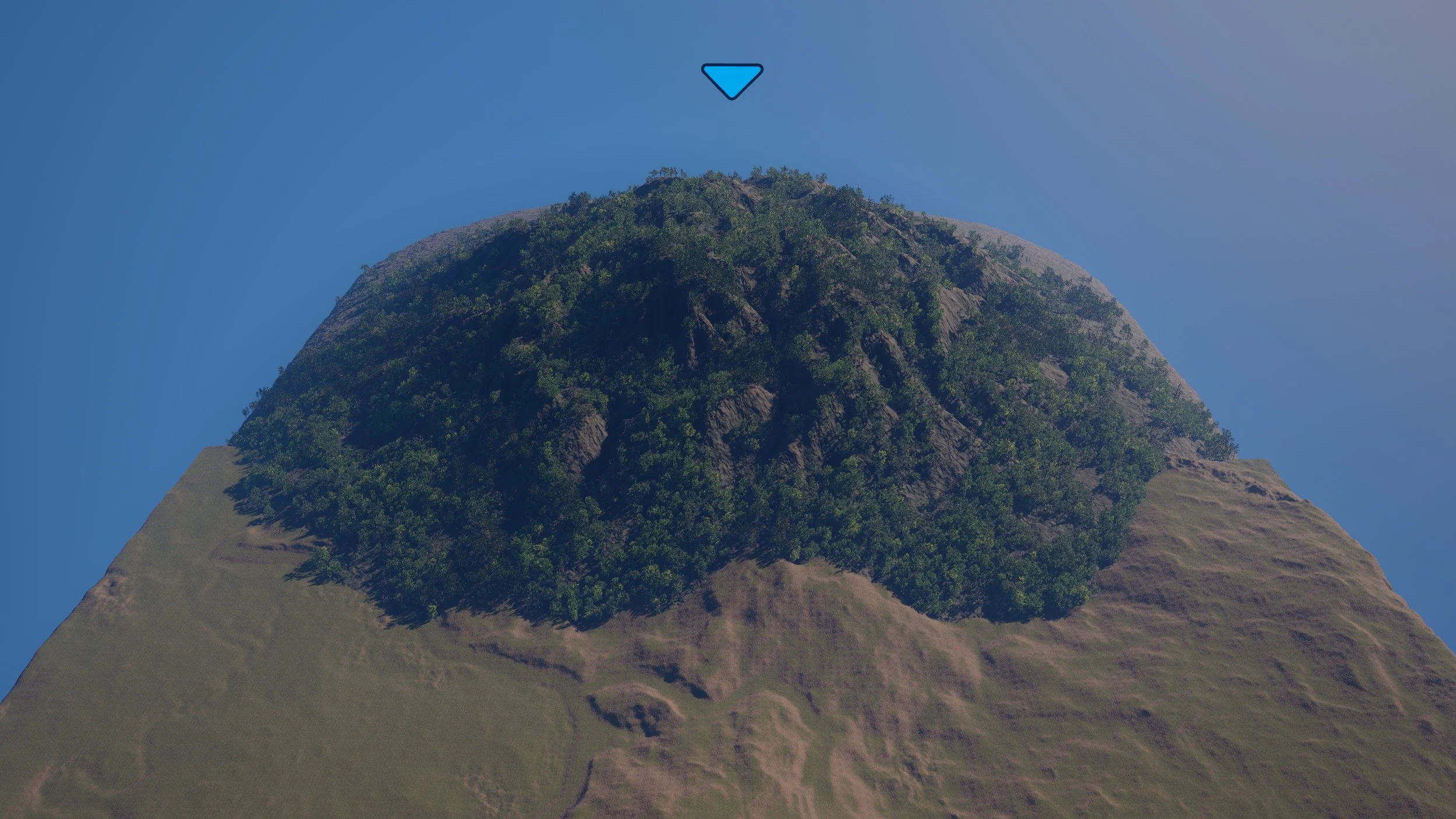 Before
After
Before
After
Culling
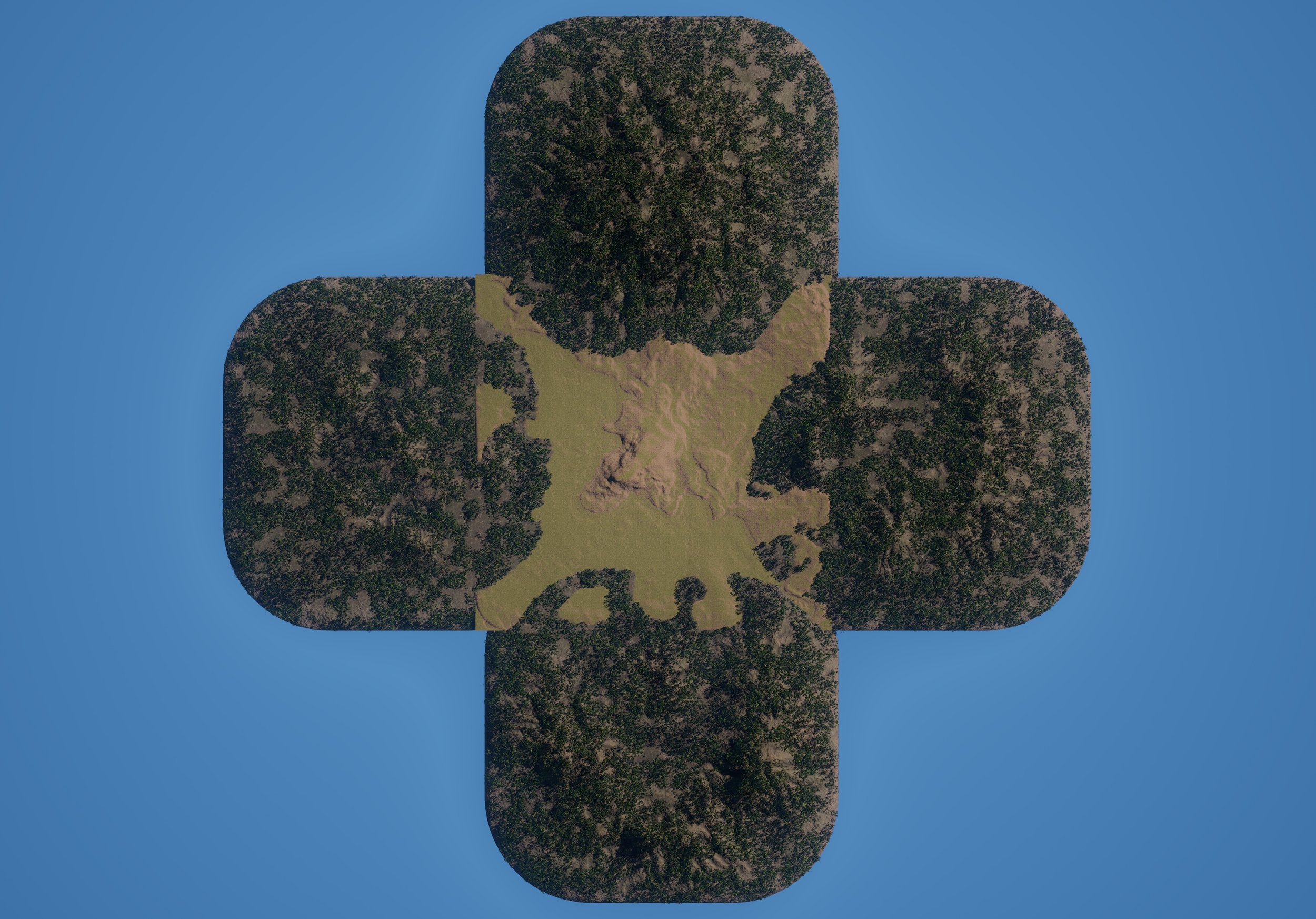
When culling is enabled, trees on mountain surfaces that face away from the scene center are removed automatically.
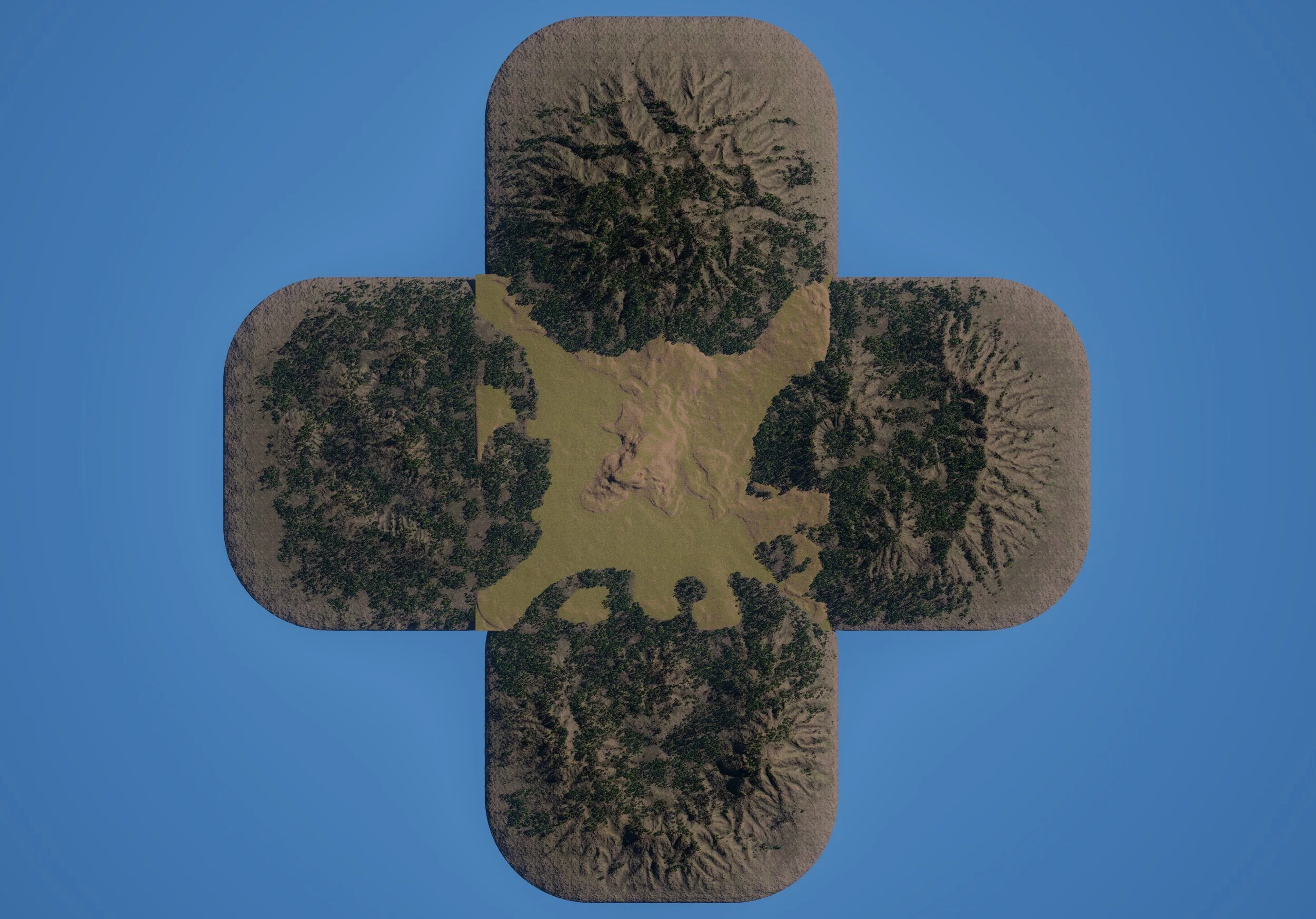
 Before
After
Before
After
Details Reference
The settings below mirror the BP_DistantBiome Details panel and control the selected mountain profile, forest coverage, and culling behavior.
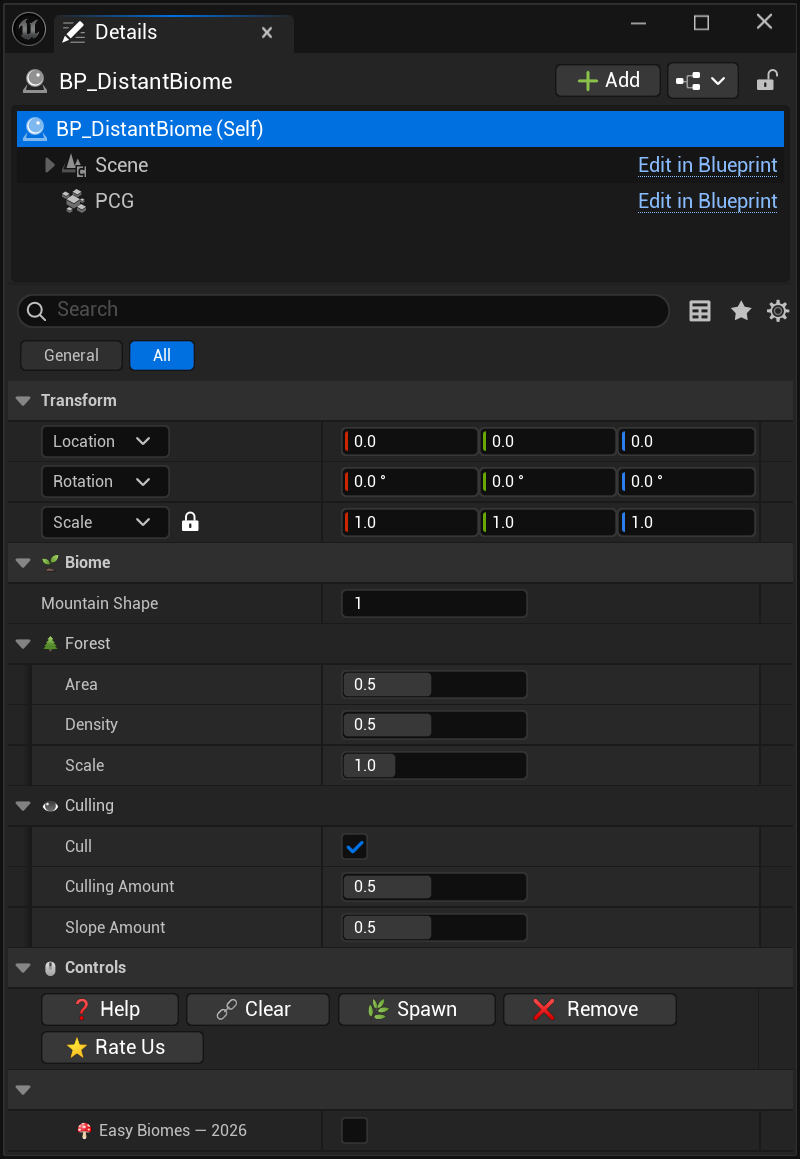
Details options are context-specific. Different biomes can have different categories expanded or collapsed.
Biome

Forest

Culling

Controls

About